
Case study · School food operations
School meals, one connected platform
Rafters cooks fresh meals every day for schools across Ireland. Ordering ran on phone calls, paper forms and spreadsheets. We built one system for parents, schools and kitchen staff, on the web and on iPhone and Android.
Explore the workflows ↓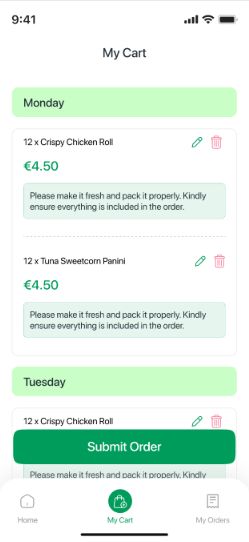
The client
Fresh food, cooked from scratch every morning
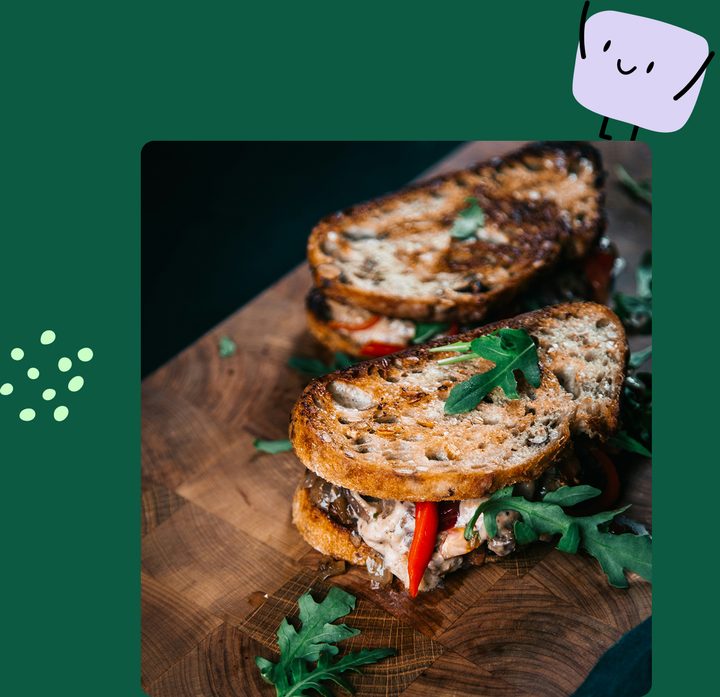
Rafters Food Services has been feeding schools for more than ten years. Every meal is prepared from raw ingredients on the day, using 100% Irish beef, pork, bacon and chicken. The weekly menu rotates and covers vegetarian, gluten-free and allergen-friendly options.
They serve primary and secondary schools, and every school works a little differently. Different menus, different prices, different ordering deadlines. Parents, teachers and canteen staff all need something different from the same system.
The challenge
Great food, held back by paperwork
Before the platform, staff spent hours every day on admin that a system could handle. Every order went through a person.
Calls and paper forms
Lunch orders came in by phone and on paper, one school at a time.
Spreadsheet stock
Inventory lived in spreadsheets, so kitchen planning was manual.
Manual payments
Staff handled payments by hand on top of the daily ordering work.
Allergies by memory
Each child's dietary needs had to be carried through ordering and prep by hand.
One appMenus, payment and allergy details captured once, then passed straight to the kitchen.
 The brief: one platform where every school keeps its own menus, prices and deadlines, parents order and pay in a few taps, and the kitchen knows exactly what to cook and who to hand it to.
The product
What parents see on their phone
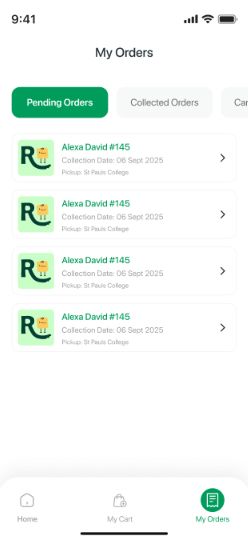
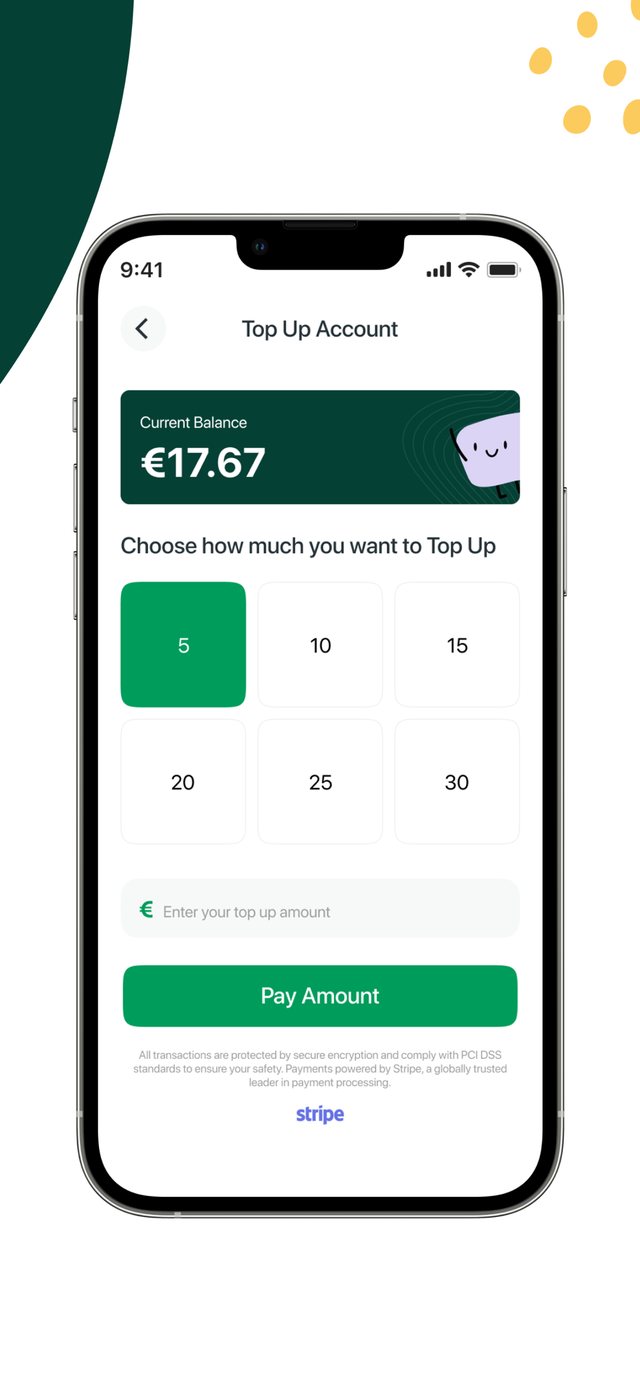
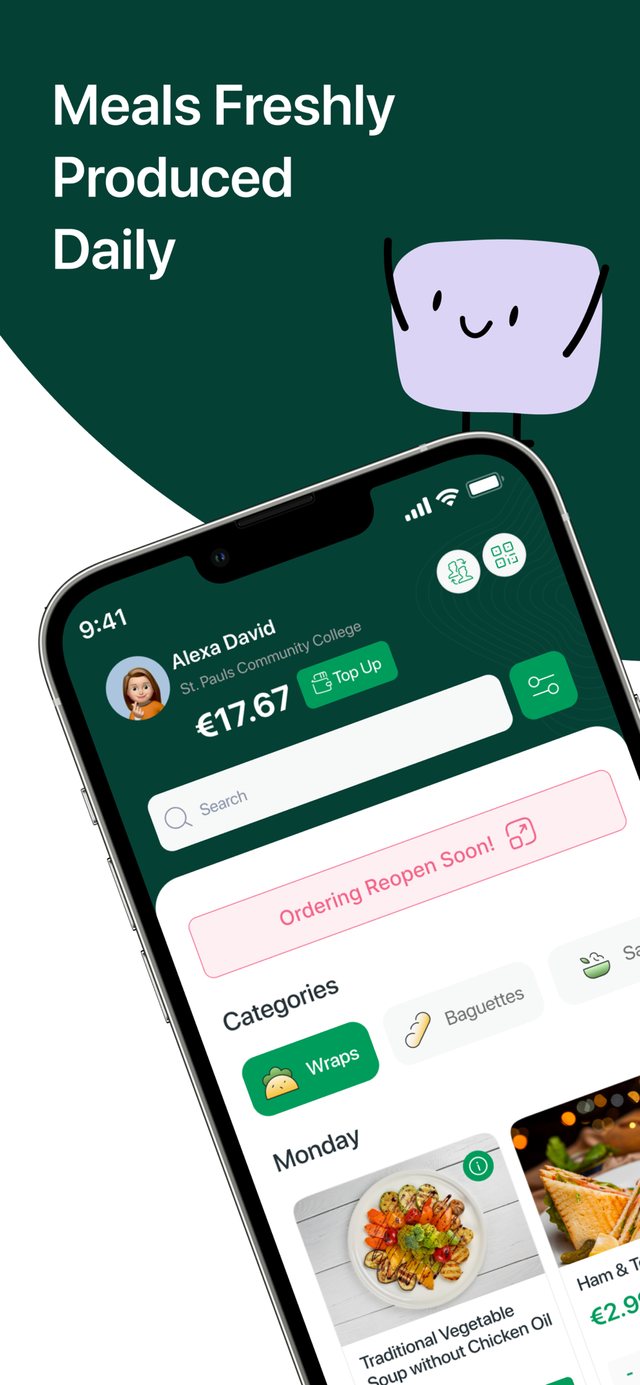
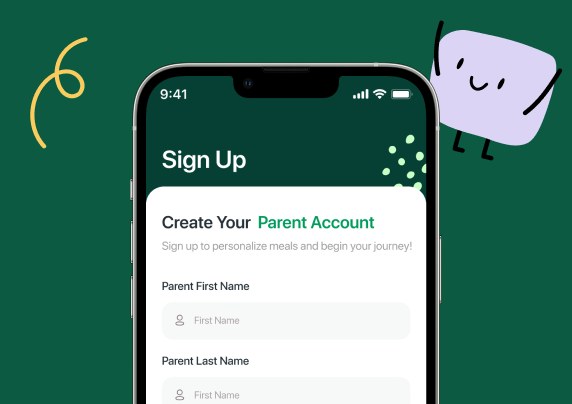
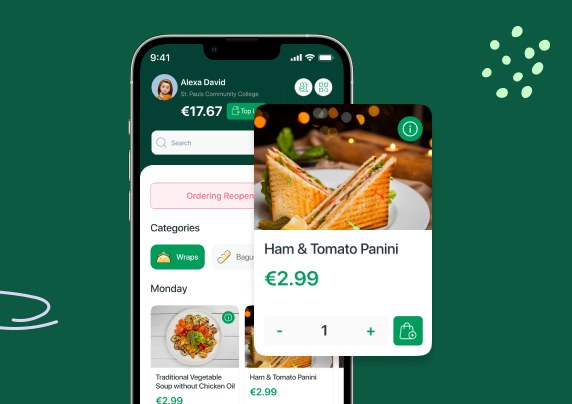
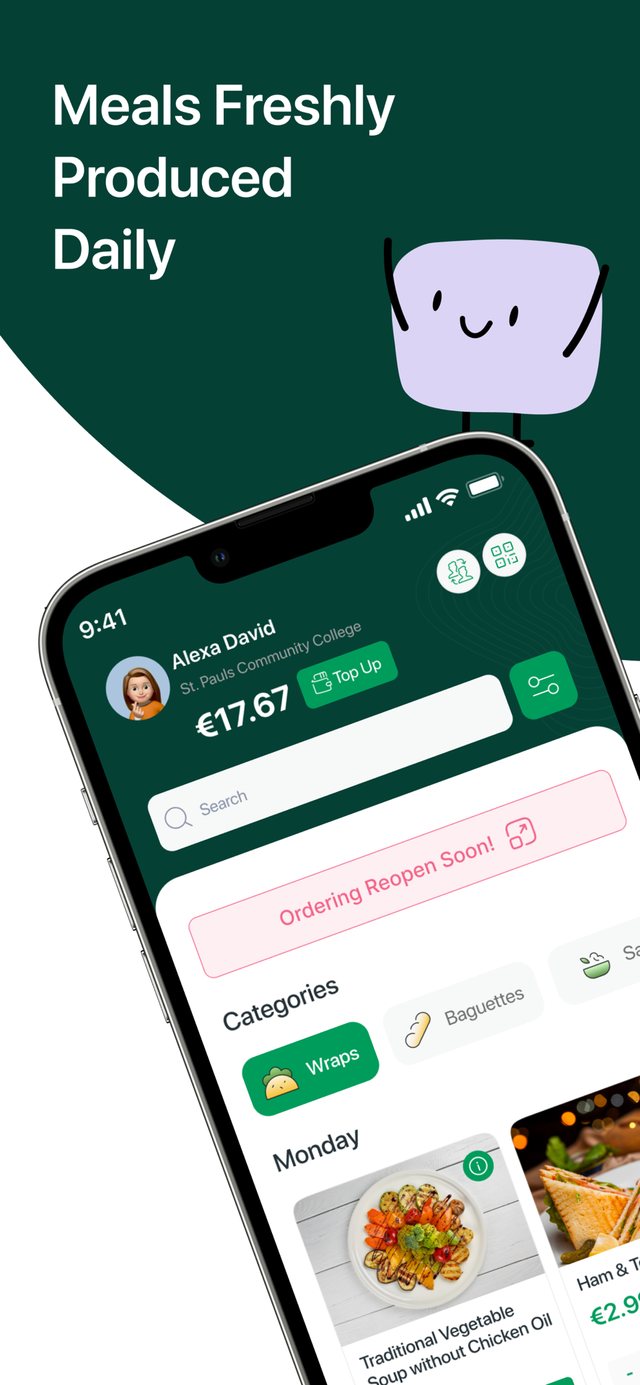
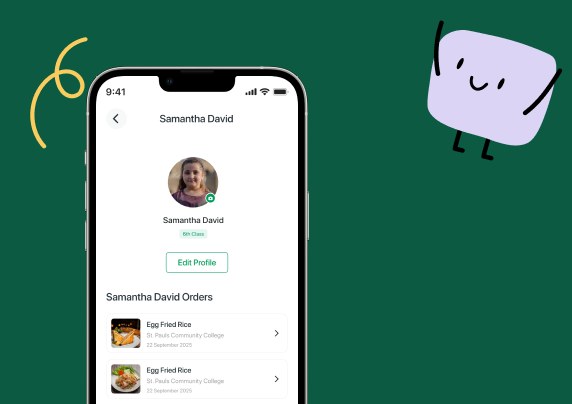
Real screens from the live Rafters app on the App Store and Google Play.
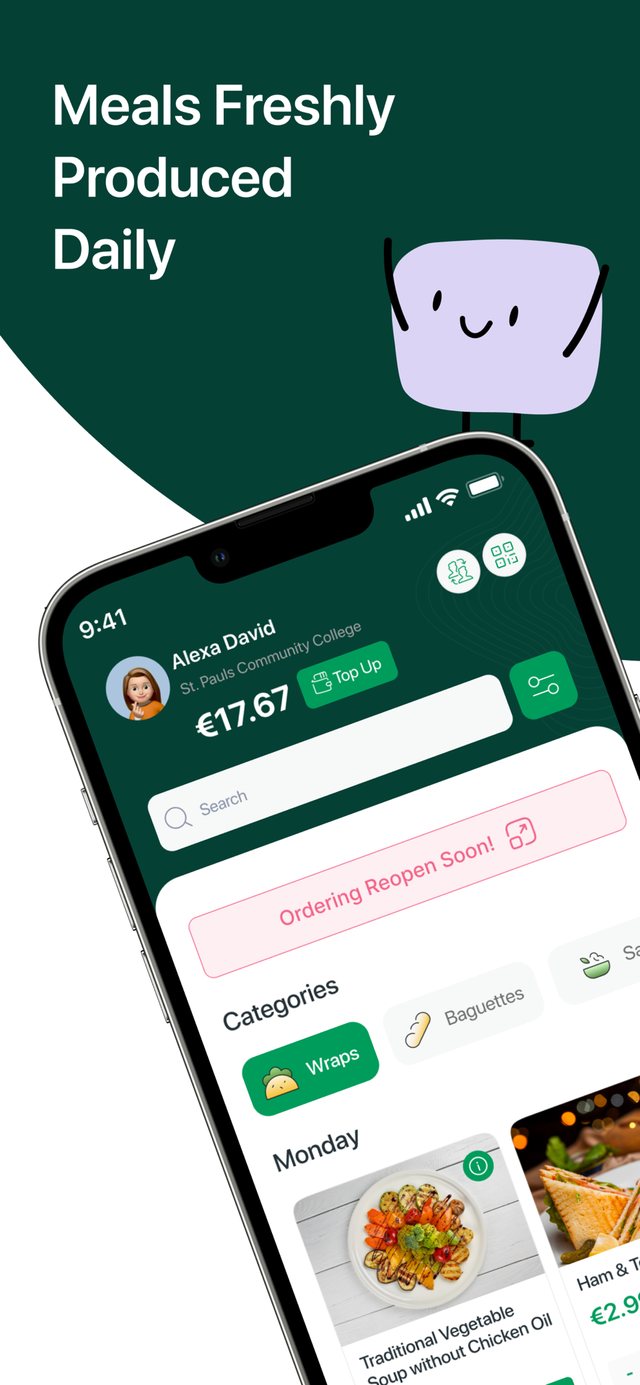
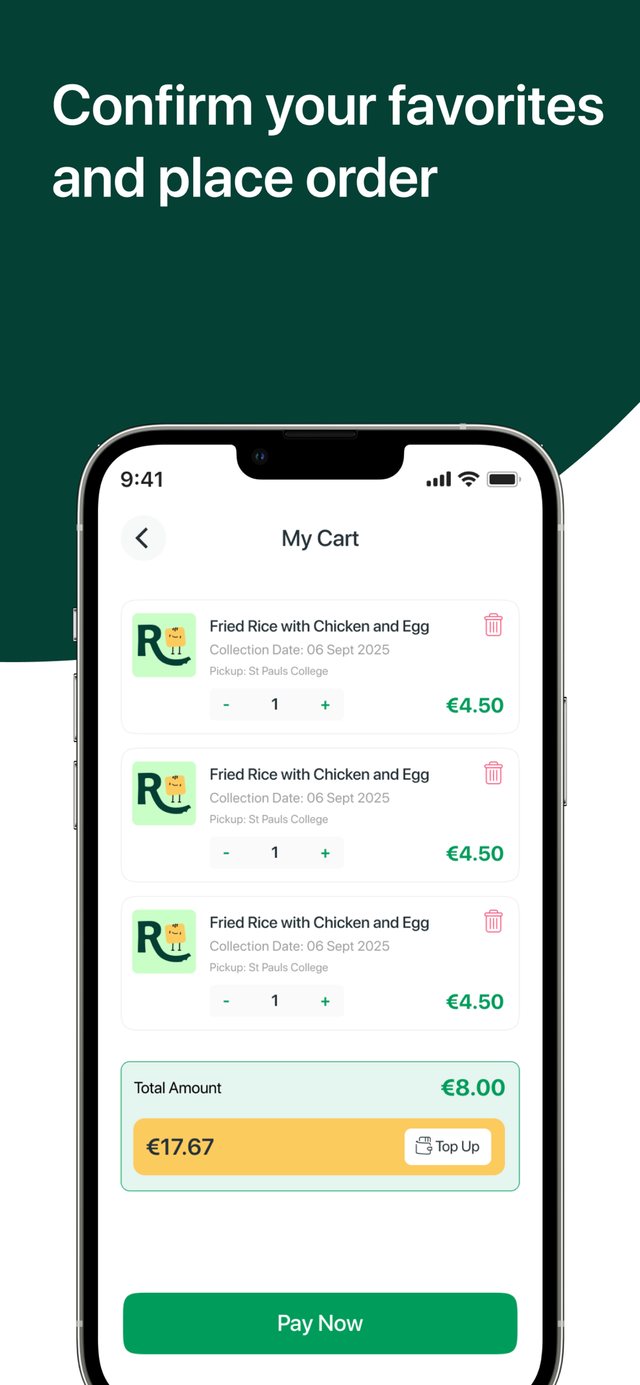
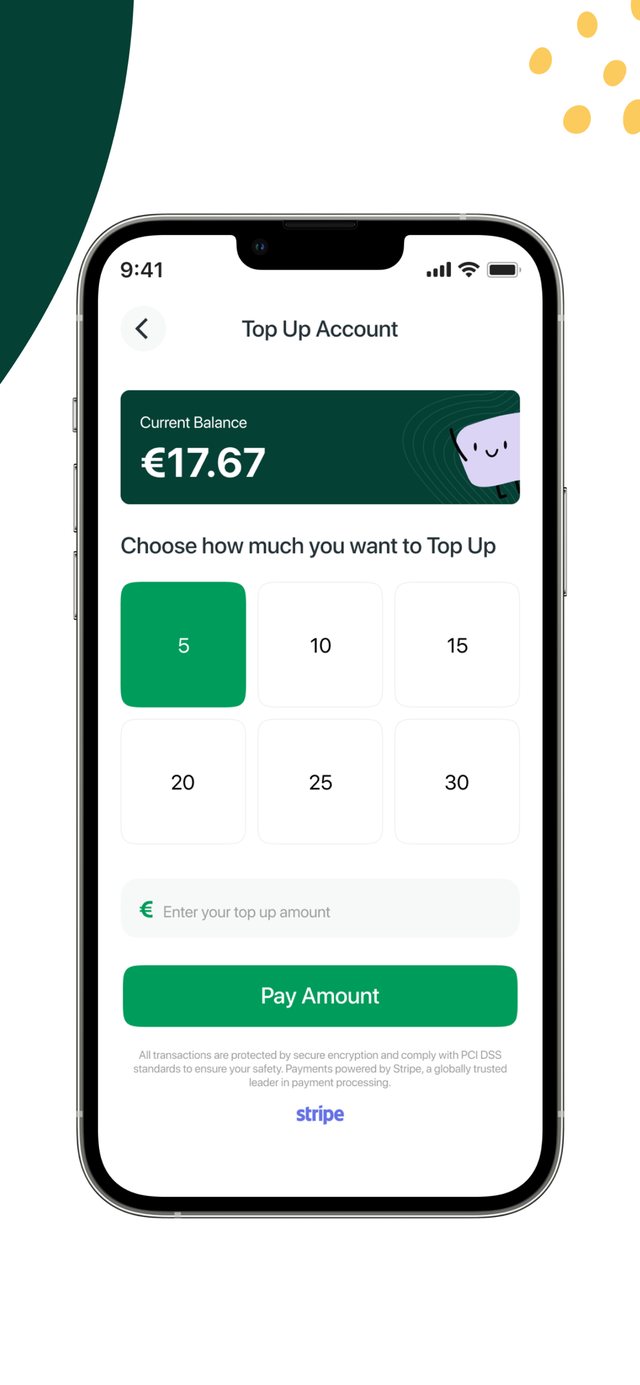
Ordering opens Friday at 2pm and closes Sunday at 11pm, for the full week ahead.
Orders open Friday at 2pm. Each meal can be ordered until 2:30pm the day before.
Two different rule sets, one platform. The school a child belongs to decides which rules apply.
What we built
Nine connected workflows
Each one replaced a manual step. Before, what we built, how it works and what changed.
School-specific ordering
One shared platform, with each school's own menu, prices, cut-off times and staff roles.
- Before
- Orders came through calls and paper forms. Each school's rules were handled by hand.
- After
- Parents and school teams use the same platform, tailored to their school.
- How it works
- The Next.js website and the React Native apps talk to one Django REST API. The student's school decides which menu and ordering rules they see.
- School and student
- Relevant menu
- Order
- School operations
Payments, credits and rewards
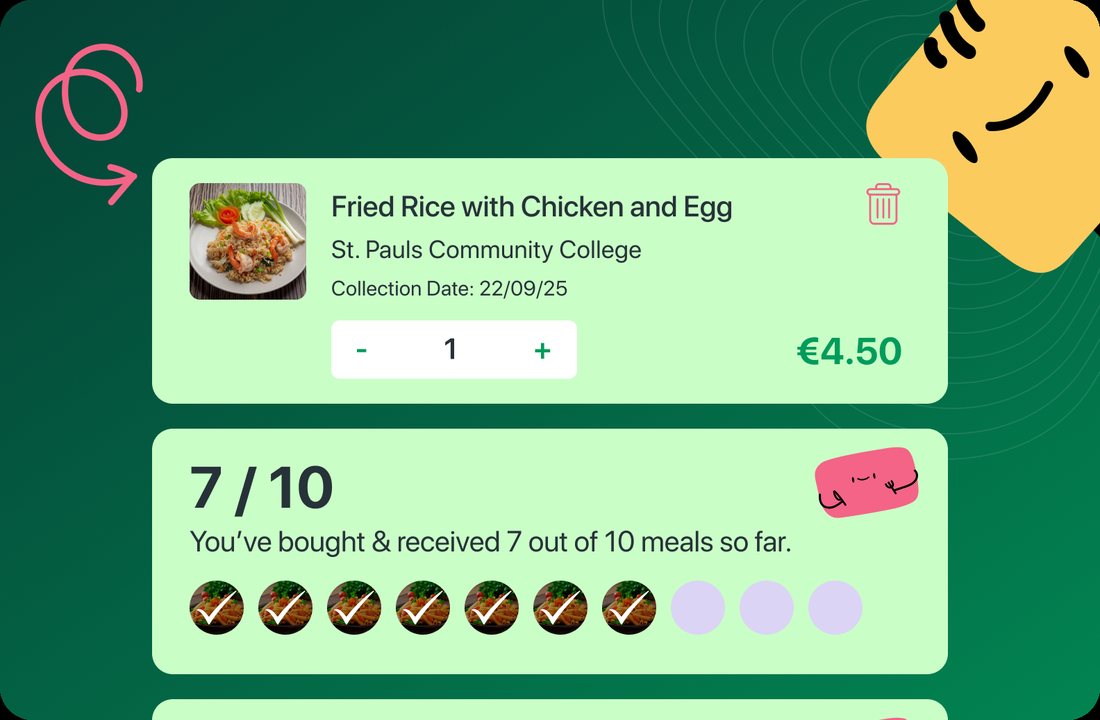
Stripe card payments, wallet top-ups, account credits, refunds and a loyalty scheme, on web and mobile.
- Before
- Staff handled payments manually next to the daily ordering workload.
- After
- Families manage their balance and pay for meals in the same journey they order in.
- How it works
- Parents pay by card or use their credit. The app shows the balance and checks it covers the order before it allows a credit payment. A rewards card tracks meals bought, for example 10 meals earns €5 credit, with a referral programme alongside.
- Choose meals
- Card or credits
- Confirm payment
- View balance
Allergy management
Every child has an allergy profile. Unsafe meals are filtered out before a parent ever sees them.
- Before
- Each student's dietary needs had to be carried through menu choice and meal prep by hand.
- After
- Dietary needs are part of ordering, so families pick suitable meals for each child.
- How it works
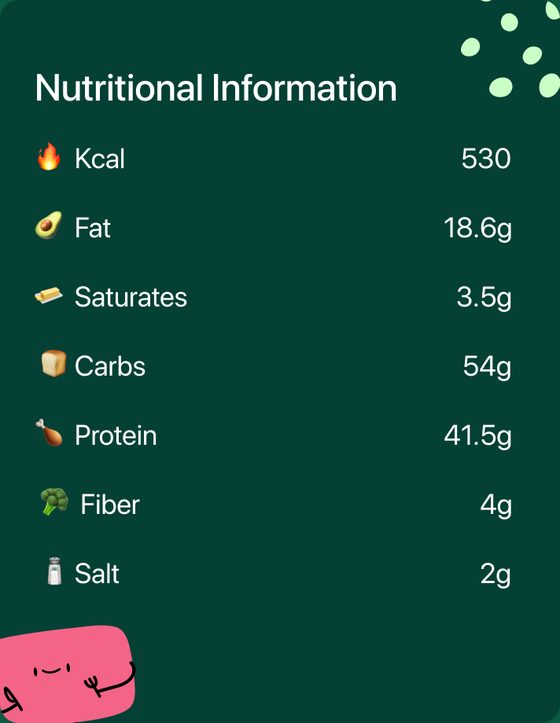
- The menu uses the selected child's allergy profile to hide incompatible items. Meal details show allergens, ingredients and nutrition before ordering.
- Student allergy profile
- Filtered menu
- Review meal details
- Choose meal
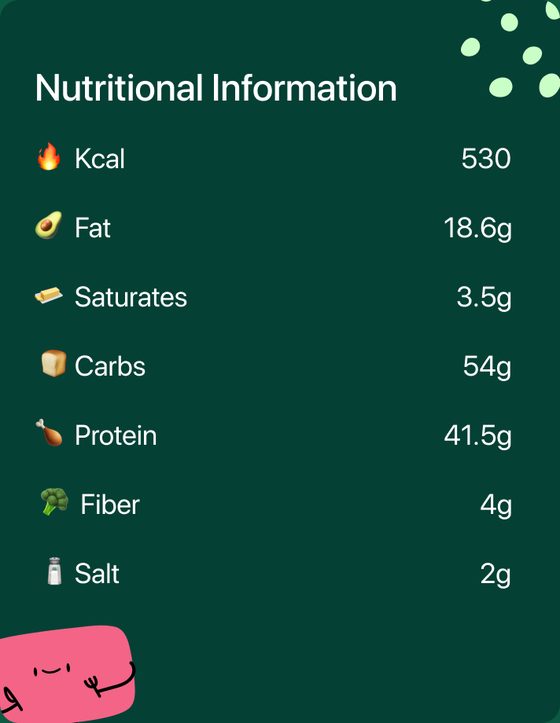
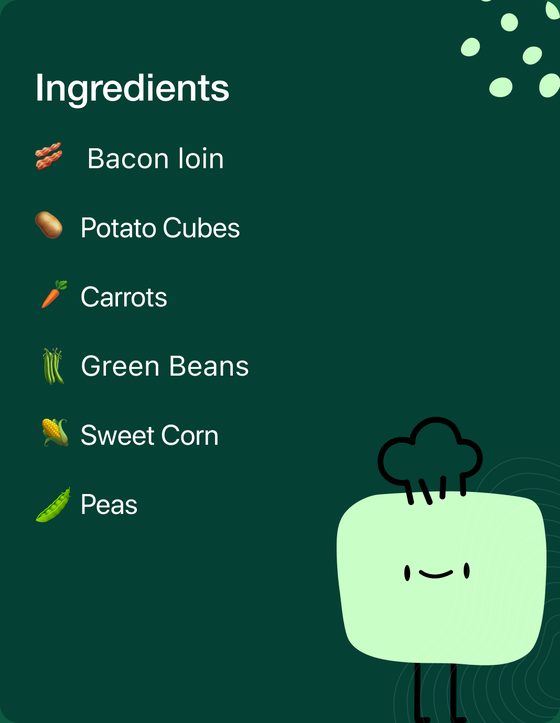
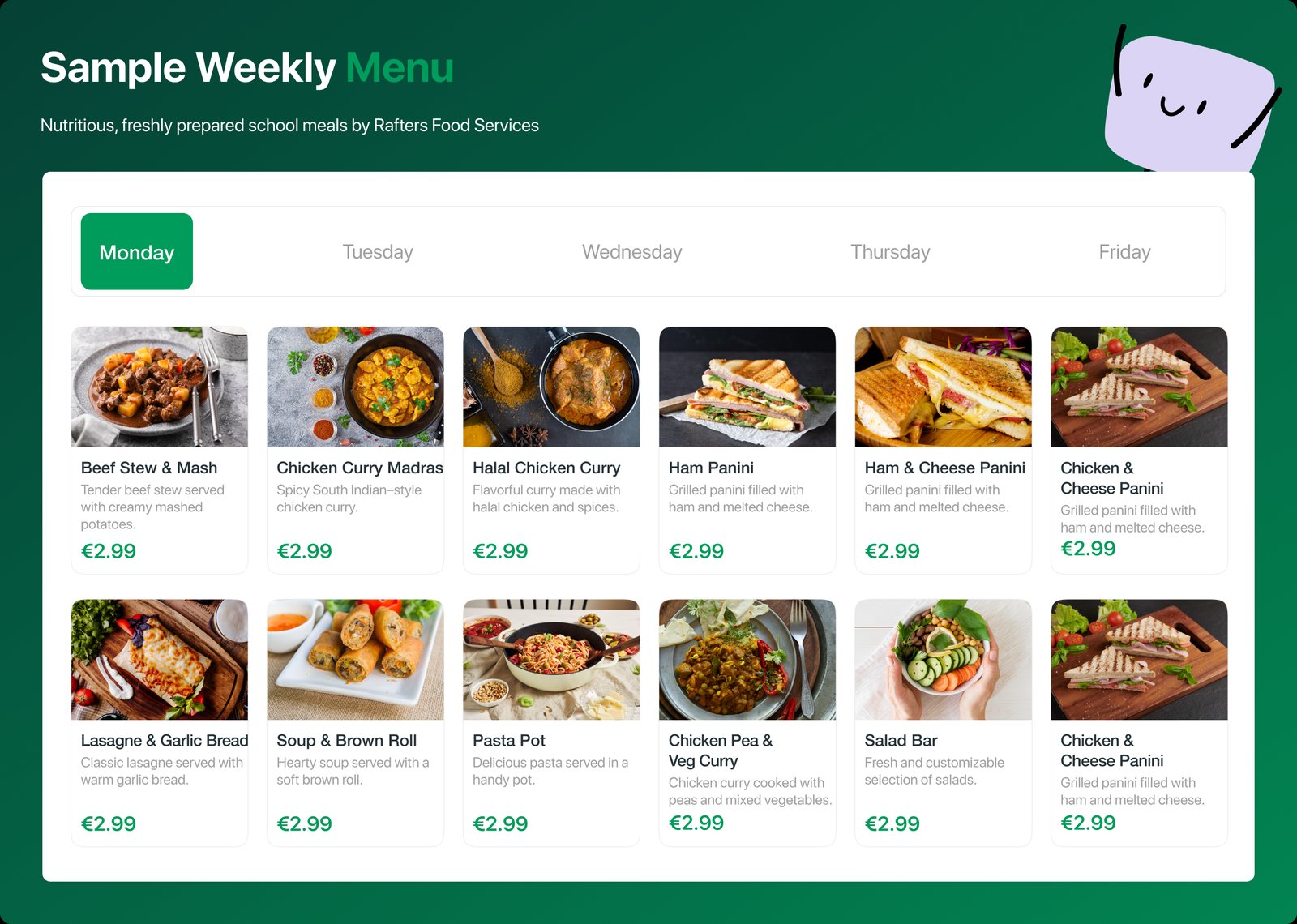
The weekly menu on the Rafters website, served by the same API as the apps.
Rolling orders
Parents set weekly lunch choices once per child. The platform creates and charges the orders every week.
- Before
- Families repeated the same lunch picks every week and had to remember the cut-off.
- After
- A regular lunch routine with far less repeated order entry. Parents can switch it off any time.
- Select child
- Save weekly preferences
- Enable rolling orders
- Automatic orders and charging
Notifications
Push and in-app messages with campaign scheduling and read tracking for every user.
- Before
- School meal updates had no direct route to families.
- After
- Families get updates and can find them again in the app they order from.
- Create message
- Schedule delivery
- Push and in-app
- Track read status
Illustration of the flow, not a screenshot.
Support chatbot
A Rafters assistant inside the app, with suggested FAQs and conversational answers about orders, menus and top-ups.
- Before
- Questions about orders and top-ups needed a person to answer them.
- After
- Parents get help without leaving the app. The chatbot also captures leads.
- Open assistant
- Pick FAQ or ask
- Support API replies
- Keep chatting
Illustration of the flow, not a screenshot.
Integrated staff room
Staff sign in to see the workplace documents assigned to them. Managers see who has read what.
- Before
- No central place for workplace documents or for tracking what staff had reviewed.
- After
- Documents and viewing status sit inside the same Rafters system, alongside manager bulk ordering.
- Staff sign-in
- Assigned documents
- Read document
- Track viewing status
Illustration of the flow, not a screenshot.
From paid order to meal collection
Kitchen manifests, inventory tools and QR collection checks, all driven by the orders already in the system.
- Before
- Paper orders and spreadsheet stock meant staff coordinated prep and collection by hand.
- After
- The kitchen cooks from a manifest, and at the counter a student's QR scan is checked against the day's paid orders.
- Paid orders
- Kitchen manifest
- Meal prep
- QR collection check
Illustration of the flow, not a screenshot.
Under the hood
One API behind every screen
A multi-tenant Django platform. Every school is its own tenant, with its own menus, deadlines, prices and staff hierarchy.
- PostgreSQL on AWS EC2
- Stripe payments
- Firebase push notifications
- Google, Apple and Microsoft sign-in
Six roles, one system
The outcome
From phone calls to a few taps
Families order on their own
Parents order, pay and top up on the web or on their phone, at any time inside the ordering window.
Less weekly repetition
Rolling orders mean a family sets lunch once and the platform handles the rest every week.
One place for the team
Menus, orders, kitchen manifests, staff documents and reports all run from the same platform.
“Elephantfly transformed our vision into a stunning, user-friendly product.”
App Store review“great app very easy to use”
Technology
The stack
Also included: automated Excel and PDF reports, scheduled jobs, forced app-version updates, promotions, referrals and a loyalty engine.
Your turn
Running your business on calls, paper and spreadsheets?
We build web apps, mobile apps and AI tools for growing businesses in Ireland. Tell us what slows your team down.
- Website
- elephantfly.ie
- Live product
- raftersfoodservices.ie
Explore more work