
AI video generation
DeepReel
An AI video product that turns prompts, scripts, articles and documents into editable videos with presenters, voice and captions.
Explore the experience ↓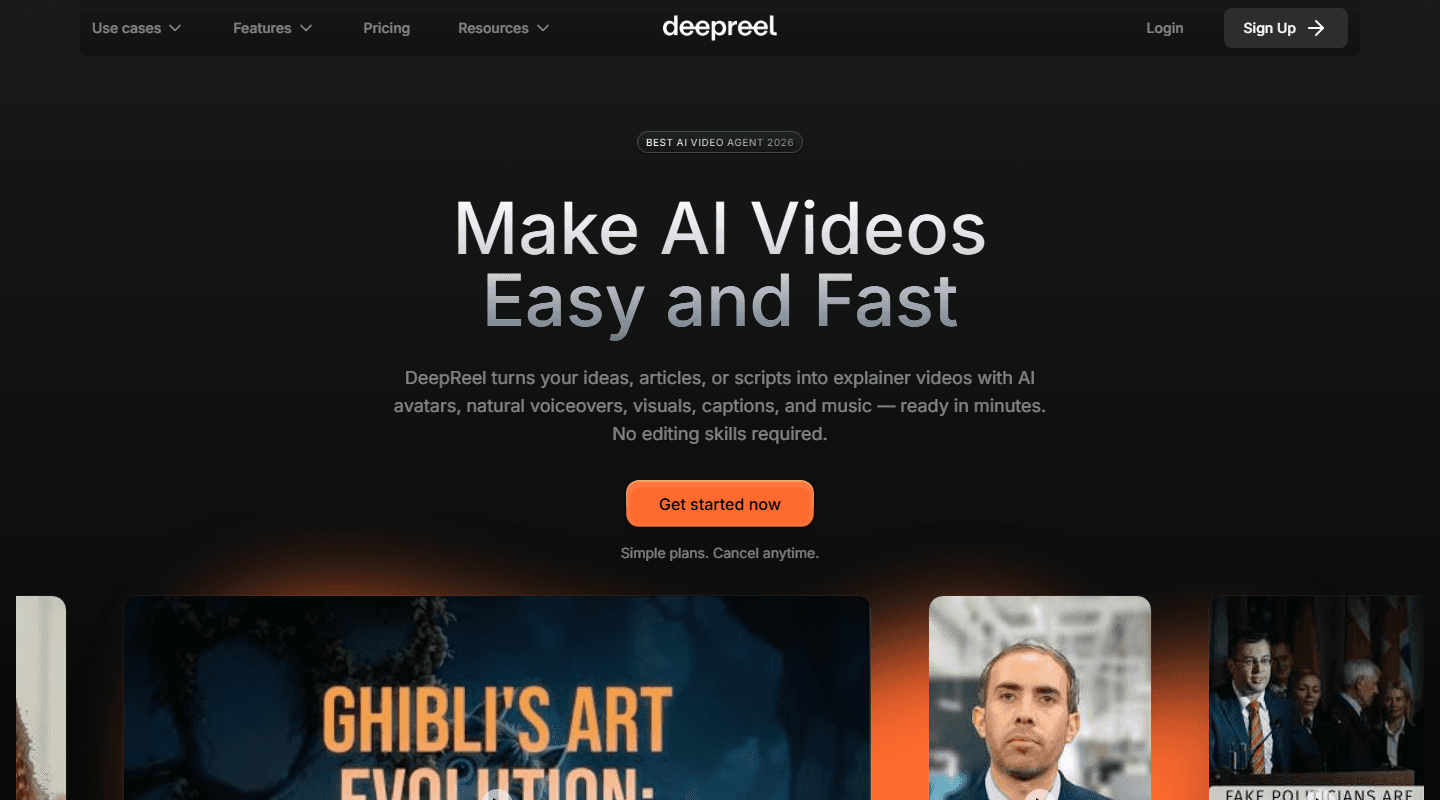
- Product
- DeepReel
- Focus
- AI video · Presenters · Localisation
- Website
- Visit DeepReel ↗
The product
A closer look at DeepReel
DeepReel turns source material into a video draft, combining scripts, AI presenters or voiceovers, visuals, captions and music in a workflow that includes review and editing.
- Creators can start with a prompt, script, article URL or uploaded document.
- The creation workflow combines a selected avatar or voice with visuals, captions and music.
- The editor lets users adjust timings, swap visuals and refine the script before generation and download or sharing.
- Team workspaces offer shared credits, centralized billing and role-based access, while brand profiles apply logos, colors, fonts and voice settings.
The experience
Connected workflows
Follow the product journey from the first action through to completion.
Source-to-draft workflow
A guided starting point for prompts, scripts, blog content and uploaded documents.
The public DeepReel journey accepts source material, develops a script and assembles visuals, voiceover, captions and music into a first video draft.
- Choose a source
- Generate the script
- Assemble the draft
- Review the video
- The need
- Turning an idea, article or document into a video normally starts with separate scripting, storyboarding and asset-gathering work.
- The experience
- A creator can move from source material to a reviewable draft within one product journey.
Presenters, voice and visuals
A creation flow combining AI presenters or voiceovers with generated or selected visual material.
Users choose an avatar or voice approach, then DeepReel brings the script, presenter, visuals, captions and music together in the video draft.
- Choose presenter or voice
- Set the visual direction
- Generate media
- Assemble the scenes
- The need
- Traditional presenter-led video requires talent, recording, editing and a separate visual-production process.
- The experience
- Presenter-led content can be prepared without coordinating a conventional filming workflow.
Language and regional localisation
A multilingual video path that combines translated content with region-appropriate voices and presenters.
The public product experience supports creating presenter-led videos in multiple languages and adapting the script and voice for the intended audience.
- Choose target audience
- Localise the script
- Select language and voice
- Generate the localised video
- The need
- Producing the same message for different markets can require separate scripts, voice talent and editing passes for every language.
- The experience
- A core video concept can be prepared for several audiences without restarting the production journey for every market.
Review, edit and publish
An editor-led review stage for refining the draft and preparing the finished video for publishing.
The public workflow presents a draft for review and editing after generation, with the finished result available for export and use across content channels.
- Open the generated draft
- Review scenes and script
- Make edits
- Export or publish
- The need
- Generated video elements still need a clear review step before the finished content is ready for an audience.
- The experience
- Generation and human review remain connected instead of treating the first AI output as the final deliverable.
Explore more work